
A new app, approved
in days, not months.
Someone wants a design tool. Security reviews it, legal checks the terms, finance sees the cost and IT grants access. Every step lands on the same application record, owner and all.

Requests Lumen Design from the app portal
APP-0217Grants access to 12 designers in one step
One record. Every desk it crosses.
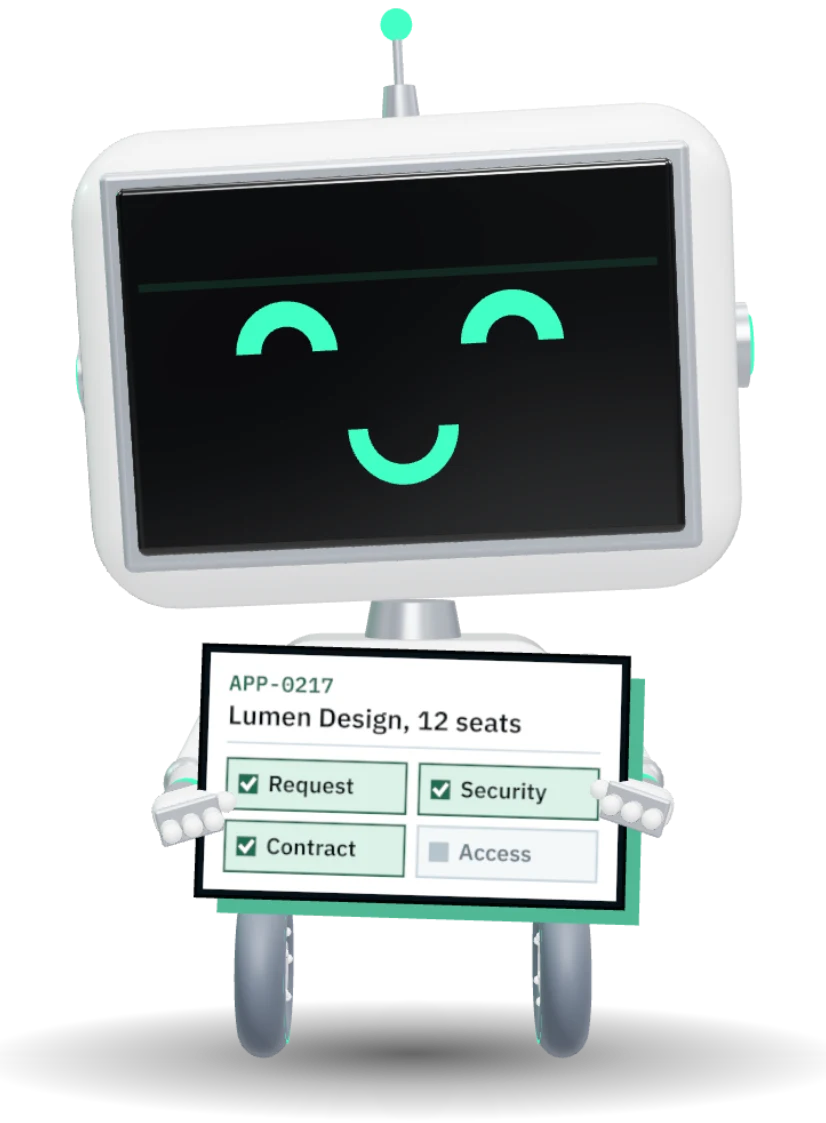
Requests Lumen Design from the app portal
20 min savedReviews security with the answers already in
90 min savedChecks the terms and turns off auto-renew
45 min savedApproves the cost against the budget
30 min savedGrants access to 12 designers in one step
40 min savedFrom the first request
to the decommission ticket.
Every application has an owner, a risk score, a cost and a review date, on the same record as its contract and its licenses.
New apps go through review, not around it.
Somebody asks for a new tool. Business case, security, privacy and finance each review in turn, and ATLAS points out the app you already own that does the same job.
- Application request intake with the right questions
- Security and privacy review stages
- Overlap with what you already own
- Implementation epic in Jira when approved
Shadow IT shows up on its own.
ATLAS reads what is actually installed and signed into, then reconciles it against the registry. What nobody registered becomes a finding with a suggested owner.
- Entra ID, Intune, Configuration Manager and Jamf
- Active Directory, vCenter and network scans
- Firewall flows and Defender for Cloud Apps
- Jira Service Management Assets
Read, not typed
See every integration before you change one.
The landscape map draws every application and the data flowing between them, so a retirement or an upgrade starts with what it will break.
- Integration relationships, suggested from traffic
- Infrastructure overlay from the estate
- Risk and data quality findings on the map
Questions before you register.
How do we fill the registry?
Does discovery need agents?
Who approves a new cloud app?
Can owners do reviews without training?
Everything Applications and Licensing does
Every application your business runs is known, owned and reviewed, from the request to try it through security sign-off to the seats you reclaim when nobody signs in.
- 10
- capabilities on this page
- Unlimited users, no per-seat fee
- One record shared with every other module
- 01Application registry
Every app, its owner, its data and what it costs.
- 02Cloud approval
New apps go through security, legal and finance review.
- 03Discovery
Shadow IT found from Entra, Intune, Jamf and the network.
- 04Landscape map
Integrations drawn, so a change shows its blast radius.
- 05Self-service portal
Request access to an app, approved by its owner.
- 06Review cadence
Each app reviewed on its own schedule, with evidence.
- 07Seats against sign-ins
Seats measured against real sign-ins, reclaim ranked.
- 08True-up forecast
See the true-up coming months before the invoice.
- 09Savings ledger
Every dollar reclaimed, with its evidence.
- 10Recertification
Owners confirm who still needs access.
 Walkthrough · your process PNMCLOShare
Find out what you are really running.
Connect one tenant on a walkthrough and see the shadow IT list the same day.