
Every supplier and every site,
known once.
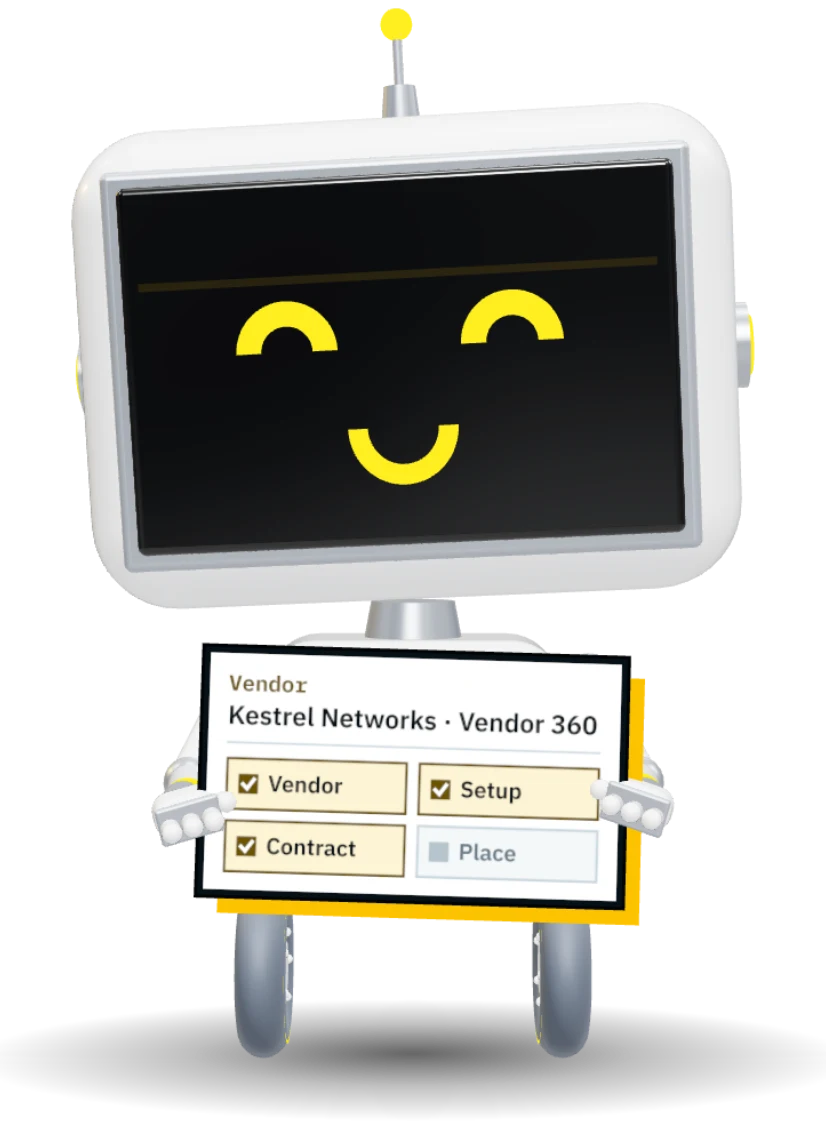
Vendor 360 puts a supplier's spend, orders, contracts, apps and invoices on one page. Companies and locations give every module the same list of places, so an order, a laptop and a budget all agree on where they belong.
One record. Every desk it crosses.
Sends the setup form, no account needed
45 min savedPicks the supplier with the better score
20 min savedSees every order before the renewal
40 min savedBills one order to three companies
35 min savedFinds the branch, its racks and its kit
15 min savedEverything you buy from them.
On one page.
Vendor 360 gathers the orders, contracts, applications, quotes and invoices for a supplier, from every module, with what you spent in your own currency.
See procurement
Suppliers you can trust before the first order.
A supplier is set up once, checked once and then known to every module that buys from it, signs with it or pays it.
Paperwork first, then purchase orders.
A new supplier gets a setup form by email. Their W-9, insurance and bank details come back onto the vendor record, and no order goes out until it is complete.
- No account needed to fill in the form
- Bank details verified before the first payment
- Orders held until the supplier is approved
Setup form sent by email, no account needed
A score you can explain.
Every point is earned from what actually happened: deliveries on time, invoices that matched, paperwork on file. Pick between two suppliers with the reasons in front of you.
- Delivery performance from real receipts
- Invoice accuracy from the three-way match
- Risk rating shown where the supplier is chosen
Earned point by point
Every company and every site.
One list.
Companies, branches and locations live in one registry. Purchasing, budgets, assets, floor plans and tickets all read it, so a place is never spelled four ways.
See floor plansPlaces that finance and IT agree on.
A branch can serve several companies. Each one is billed as itself, and the delivery still goes to one dock.
One order, billed to three companies.
A request can split its lines by company and branch. The supplier still gets one purchase order, and each company's budget carries its own share with its own cost center.
- Cost center and GL segment on each company and branch
- Spend delivered to a place, reported by place
- Budgets per company, never mixed
Ships to one dock, billed to three companies
Close a site without losing it.
Mark a place as closing with a date and a successor. New orders and tickets move to the successor, and the history, budgets and assets stay on the place they belonged to.
- Active, closing and closed, with dates
- New work refused on a closed site, with the reason
- History kept and still reported
Closing Dec 31
Questions about vendors and places.
Is Vendor 360 a separate module?
Do suppliers need an account?
Can one site serve several companies?
What happens when a site closes?
Everything Vendor 360 and Places do
Suppliers are set up once and known to every module that buys from them, signs with them or pays them. Places are one list, so a laptop, an order and a budget agree on where they belong.
- 12
- capabilities on this page
- Unlimited users, no per-seat fee
- One record shared with every other module
- 01Vendor 360
Spend, orders, contracts, apps, quotes and invoices on one page per supplier.
- 02Contacts
Who to call for sales, support and accounts, linked from every record.
- 03Vendor score
Delivery, invoice accuracy and paperwork, earned point by point.
- 04Risk rating
Rated once, shown wherever the supplier is chosen.
- 05Setup by form
W-9, insurance and bank details collected before the first order.
- 06How orders are sent
Emailed on approval or held for a buyer, per supplier.
- 07Companies
Every operating company, its code locked once it is used.
- 08Branches and locations
Offices, warehouses and delivery points, one list for every module.
- 09Shared sites
One building serving several companies, each billed as itself.
- 10Billing by company and branch
Cost center and GL segment on the pair, so finance can post it.
- 11Ship-to
Any place can take deliveries. One dock, many companies.
- 12Closing a site
A closing date and a successor. New work moves, history stays.
 Walkthrough · your process PNMCLOShare
Bring your supplier list.
We will load it on a walkthrough and show you a Vendor 360 page built from your own orders.