
Know what each server
is holding up.
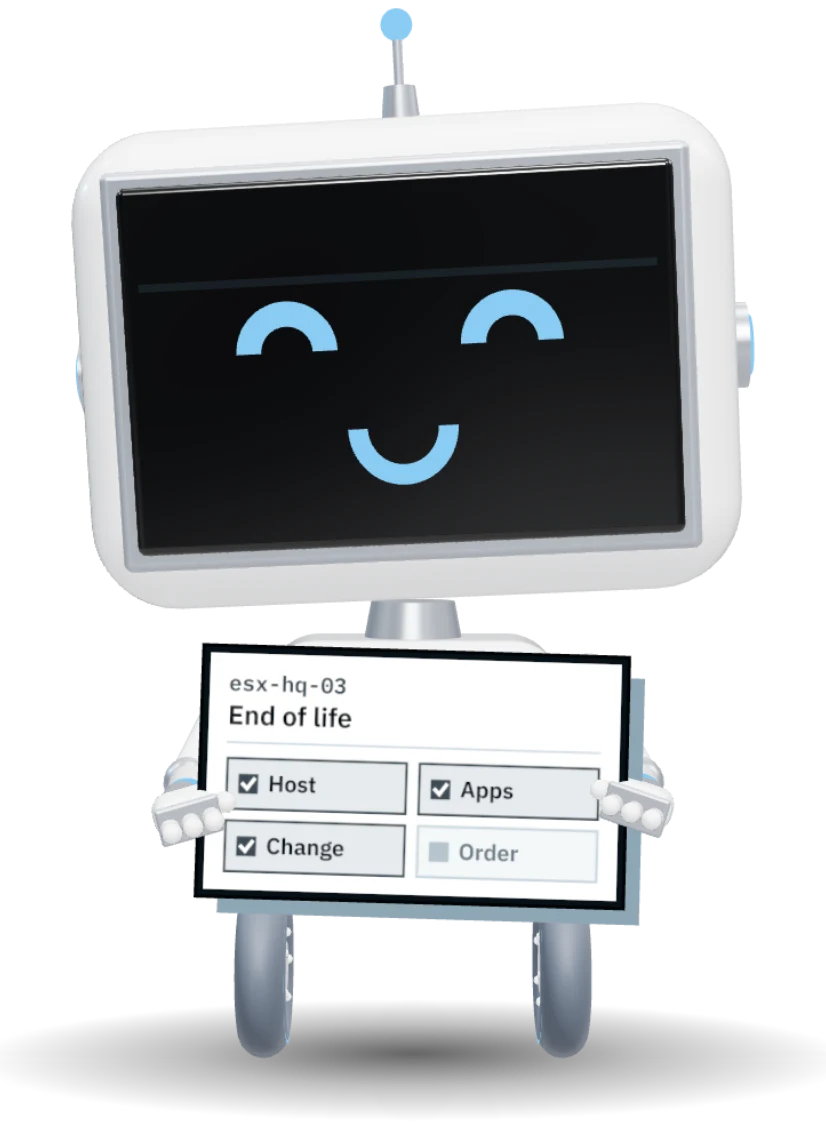
A host reaches end of life. ATLAS already knows the four applications on it, who owns them, which change moves them and which budget pays for the new hardware.
One record. Every desk it crosses.
Sees the host flagged end of life
30 min savedKnows his ERP database lives there
60 min savedRaises the change with the apps attached
45 min savedOrders the new host, request filled in
40 min savedApproves against the infrastructure budget
30 min savedRead the estate.
Map it to the business.
Infrastructure only matters for what it runs. ATLAS joins the two, so every finding says which applications are at stake.
Read from what you already run.
Connect vCenter live, drop in an RVTools export, read Hyper-V, Azure and AWS, and bring in the devices discovery found. A scheduled push through the import API covers the rest.
- vCenter live and RVTools exports
- Hyper-V, Azure Resource Graph and AWS
- Devices from directory, endpoint and network scans
- Import API for anything else
Last read 12 minutes ago
Components mapped to applications, suggested for you.
A local model reads names, tags and traffic and suggests which application each VM belongs to. You confirm, and the map stays honest as the estate changes.
- Suggestions with a confidence on each
- Runs on your own hardware
- Confirm in bulk, correct one by one
From the local model · you confirm
Cloud spend lands on the right budget.
Azure and AWS cost is carried to the components and applications that spent it, then to the budget that pays for it. Unmapped spend is a finding, not a mystery.
- Cost on components and applications
- Carried to budgets and operating spend
- Unmapped spend surfaced for an owner
Carried to budgets
Questions before you connect.
Do we need to install agents?
Does the mapping model send data out?
Does it need Application Lifecycle?
Can it replace our monitoring?
Everything Infrastructure does
Racks, hosts, virtual machines and cloud resources, mapped to the applications they carry, so a change shows its blast radius before it is made.
- 9
- capabilities on this page
- Unlimited users, no per-seat fee
- One record shared with every other module
- 01Build a rack from a photo
Photograph the rack. ATLAS reads each device and places it by unit.
- 02Rack elevations
Every unit, every device, with power fed from its PDU and UPS.
- 03Floor plans to print
Rooms, racks and power, printed from Letter up to ANSI E.
- 04vCenter and RVTools
Hosts, VMs and datastores, live or by file.
- 05Azure and AWS
Cloud resources and their cost, through read-only access.
- 06Mapping
Components mapped to the applications they carry, with the reason.
- 07Findings
Out-of-support systems and single points of failure, ranked.
- 08Cloud cost to budget
Spend lands on the budget that owns it.
- 09Estate board
What it is and what it runs, one board per site.
 Walkthrough · your process PNMCLOShare
Connect one cluster on a walkthrough.
We will map it to your applications and show you the first single point of failure.