
One ticket that knows
the whole story.
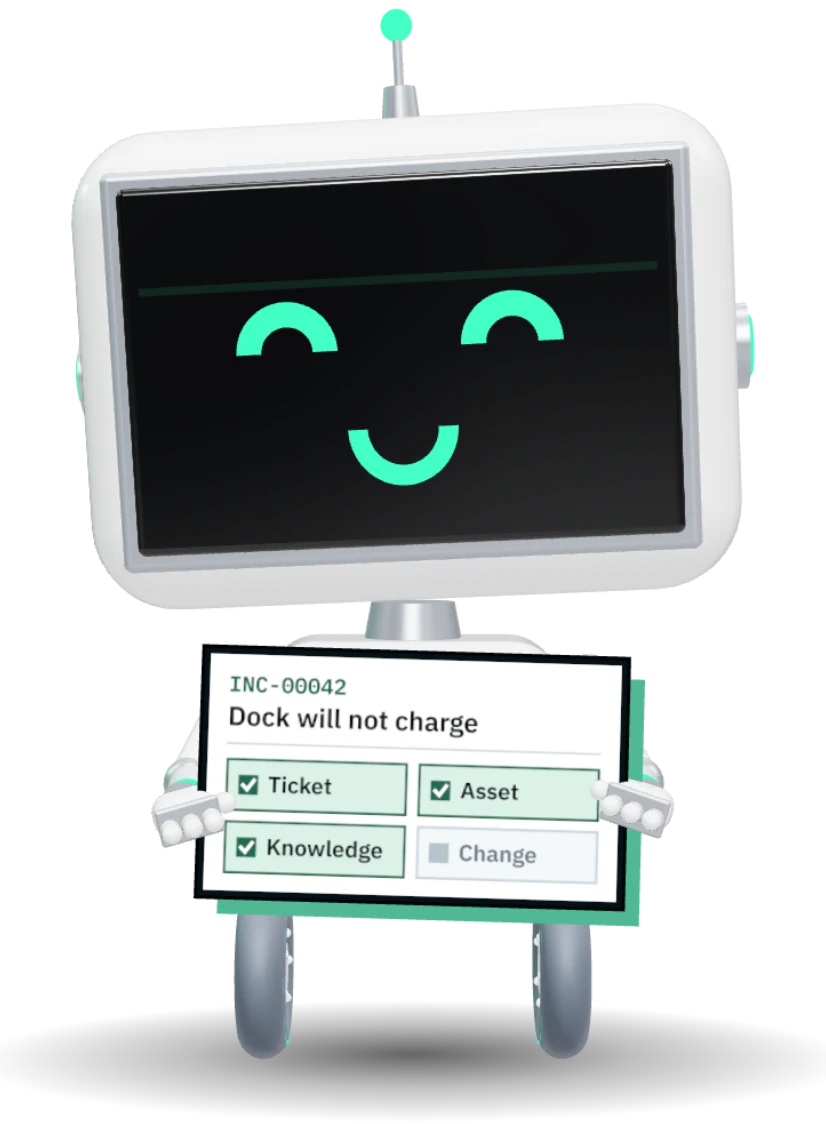
A dock stops working. The ticket already knows the laptop, the warranty, the fix and the replacement order. Your technician closes it without opening four other tools.
Reports the dock from the portal on his phone
Sees his laptop and dock already on the ticket
Raises a change for the other 38 docks
Orders a replacement, form already filled in
Approves from Teams, budget shown first
One record. Every desk it crosses.
Reports the dock from the portal on his phone
15 min savedSees his laptop and dock already on the ticket
20 min savedSends the rollback article in one click
25 min savedRaises a change for the other 38 docks
45 min savedOrders a replacement, form already filled in
30 min savedApproves from Teams, budget shown first
60 min savedSee it in under two minutes.
Read the script
Monday morning. Forty tickets, three teams, and a printer nobody can find. Here's what makes the ATLAS Service Desk different.
A request comes in from the portal, the mobile app, email, or Teams. ATLAS already knows who sent it, which laptop they use, and whether it's still under warranty.
And when something breaks, ATLAS shows you exactly where it is. The ticket opens the floor plan with the device pinging on it, the room, the desk, and the switch port it's plugged into. Even a technician who has never been to that site walks straight to it.
It lands on the right desk, with someone who has the right skills, and the clock starts. Response and resolve times count down, and pause while you wait on the requester.
Out on the floor? The ATLAS mobile app puts your queue in your pocket. Reply, scan an asset tag, take a photo, and close the ticket right where you're standing.
Need the vendor? Start a side conversation right from the ticket. Their reply comes back to the same record, not to somebody's inbox.
Ask ATLAS finds the answer in your own knowledge base, and starts the next step for you. Changes go to the CAB with their risk and a calendar.
Most service desks stop at the ticket. ATLAS knows the device, the floor it's on, the contract behind it and the order that bought it, all on one record. That's the ATLAS Service Desk.
Every desk, one workspace.
IT, facilities, HR and procurement each run their own desk, with their own catalog, SLAs and people. Requesters see one portal.
Built for the technician working forty tickets a day.
Snooze a ticket until the user is back, schedule the reply for 9 AM, take back a send in the first seconds, and answer twenty tickets about the same outage at once.
- Snooze with reminders, pinned and recent tickets
- Scheduled replies, undo send and bulk reply
- J/K to move, N/A/E to note, assign and reply
- Mood detection flags the frustrated and the angry

A portal people use instead of emailing you.
A request catalog with the right form for every ask, answers suggested as they type, and a status page that says when something is already known.
- Request catalog per desk and audience
- Knowledge suggested before a ticket is raised
- Status page with major incident updates
- Email in, email out, from proven senders only
A new hire is one ticket, not seven screens.
Pick the kit from stock and hold it, buy what is missing as a request already filled in, and check everything out on day one. When someone leaves, the devices come back with a UPS label.
- Kit lines held against in-stock assets
- Missing items become prefilled purchase requests
- Check out all, with the equipment agreement
- UPS return label or QR code for every leaver
Starts Monday · from INC-00057
Last day Friday · INC-00063
No printer needed. Tracking lands on the ticket.
Planned changes, in their own queue.
Changes get their own desk, types, risk, CABs and calendar. Requires Service Desk.
Assess, approve, schedule, review.
Every change type has its own stages and risk questions. Templates carry a standard change from request to closure with the right workflow already attached.
- Change types, risk questions and closure codes
- Templates with their own workflow
- Change calendar with freezes and conflicts
- Post-implementation review on every change
The right people vote, wherever they are.
Run as many CABs as you need. Members do not have to be technicians: operations and HR vote by email or in Teams, and the record keeps every vote.
- Multiple CABs with quorum rules
- Votes by email, Teams or the app
- Change roles per change, not per person
- Every decision attributable in the audit trail
Firewall firmware · Thursday 18:00
NetworkApprove
HR, by emailApprove
Operations, in TeamsApprove
SecurityWaiting
Answers your teams write together.
Spaces for each team, a block editor, real-time co-editing and review before anything goes live.
Write it once. Find it on the ticket.
Two technicians edit the same article at once. Publish through review, and the article is suggested on the next ticket that matches it.
- Spaces per team, with named owners
- Block editor with real-time co-editing
- Review, publishing, @mentions and space health
- Import from Word or Markdown, mark up screenshots
If a docked laptop charges but shows no displays after an update, roll the dock back to the last good version.
Questions IT leads ask first.
Do technicians need a license each?
Can each department run its own desk?
How does email intake stay safe?
Can we import tickets from our current tool?
The ticket already knows.
Who, what and which laptop.
The requester, their devices, the warranty and the supplier conversation sit on the ticket, so a technician starts working instead of asking.
Everything the Service Desk does
Tickets arrive already knowing who asked, which device they use and where it sits. Every team runs its own desk, and every reply, change and article stays on one record.
- 16
- capabilities on this page
- Unlimited users, no per-seat fee
- One record shared with every other module
- 01Desks per team
IT, HR, facilities, each with its own queues and agents.
- 02SLAs that count down
Response and resolve clocks, paused while waiting on the requester.
- 03Self-service portal
A catalog of requests and issues, with forms that ask the right questions.
- 04Email, Teams and chat
Replies by email land on the ticket. Chat answers from your articles first.
- 05Snooze and reminders
Park a ticket until a date. It comes back on its own.
- 06Scheduled replies
Write it now, send it at 8:00. Undo send for ten seconds.
- 07Supplier side conversations
Talk to the vendor from the ticket, tagged to it, never lost in an inbox.
- 08Mood detection
A frustrated requester is flagged from their own words.
- 09Skills and routing
A ticket needing a skill is assigned to someone who has it.
- 10Status page
What is working and what is not, in words, with the latest update.
- 11Change management
Types, risk, CAB votes, freezes and a change calendar.
- 12Knowledge base
Team spaces, a block editor, co-editing, review and Word import.
- 13Devices on the ticket
The requester's laptop, warranty and history beside the request.
- 14Joiners and leavers
A starter kit or a return label from one ticket.
- 15Bulk reply
Answer forty tickets about one outage at once.
- 16Reports and briefs
SLA met, backlog and volume, sent on a schedule.
 Walkthrough · your process PNMCLOShare
Run your next week of tickets in ATLAS.
Bring your catalog and your three worst queues. We will set them up on a walkthrough.